Why
As an active user of the software I thought it would be nice to help the founders make their product look and feel more robust and professional. I submitted a few design options on the github repo and we found a way to implement my suggestions.
Before & After
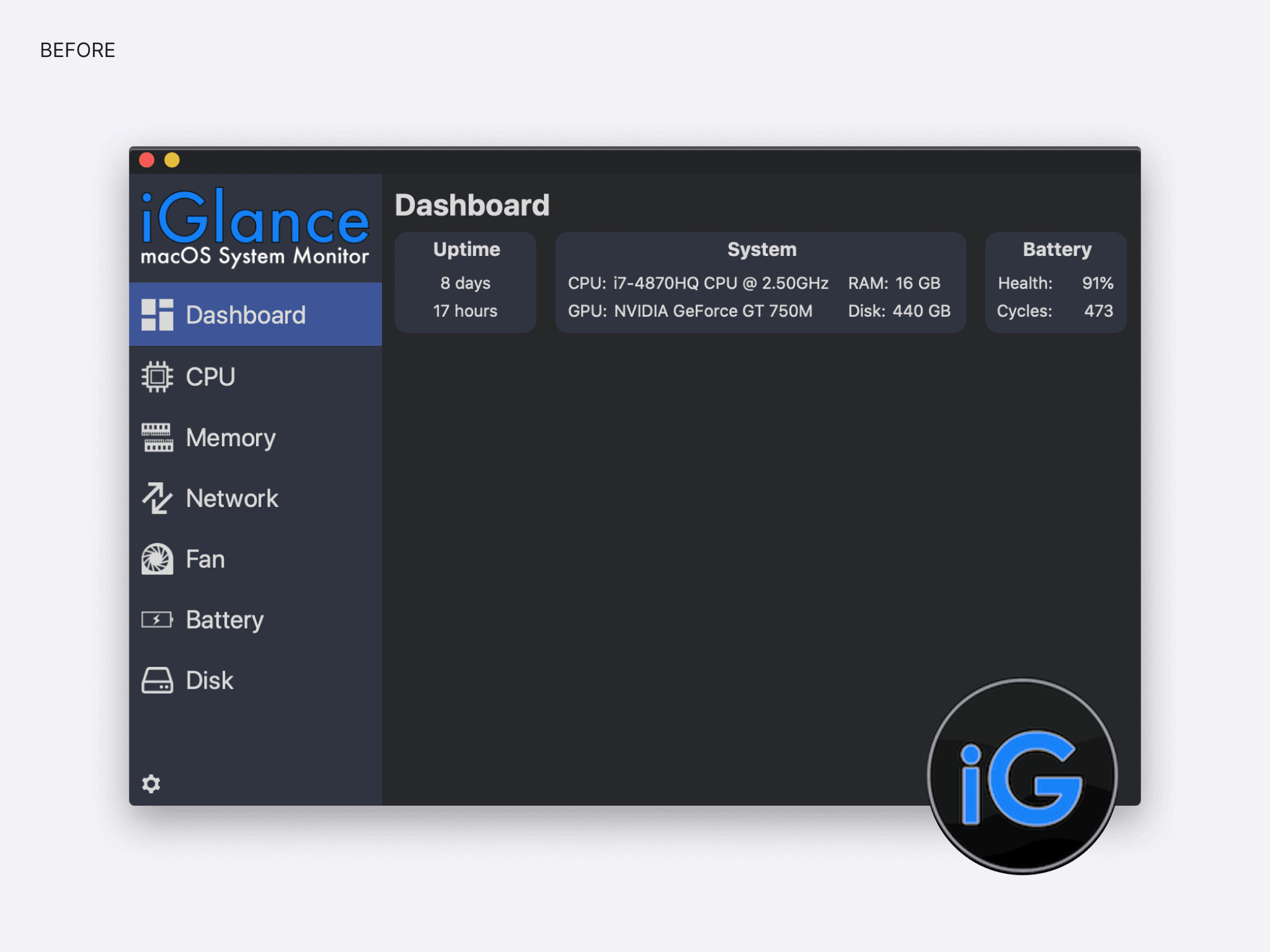
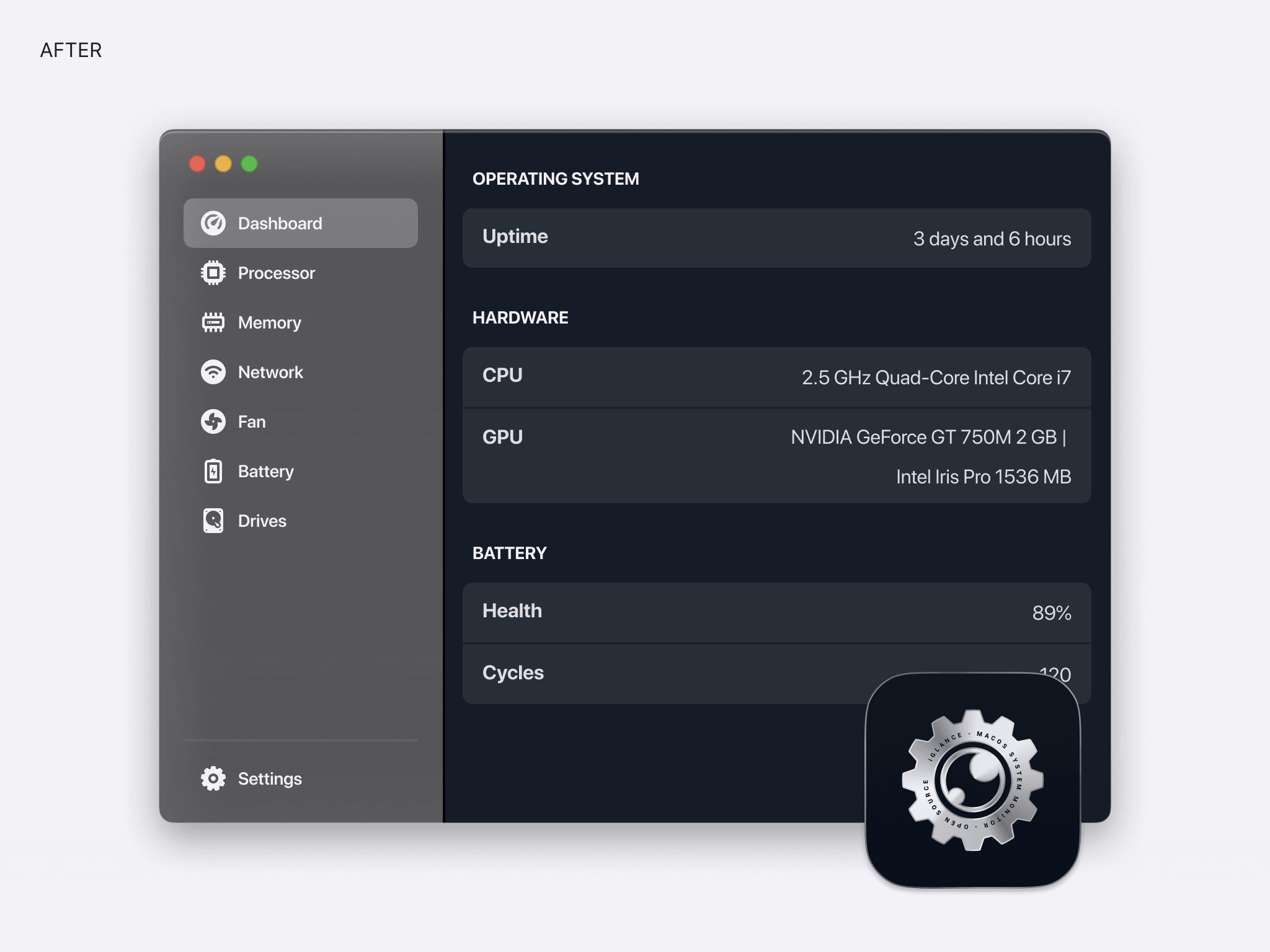
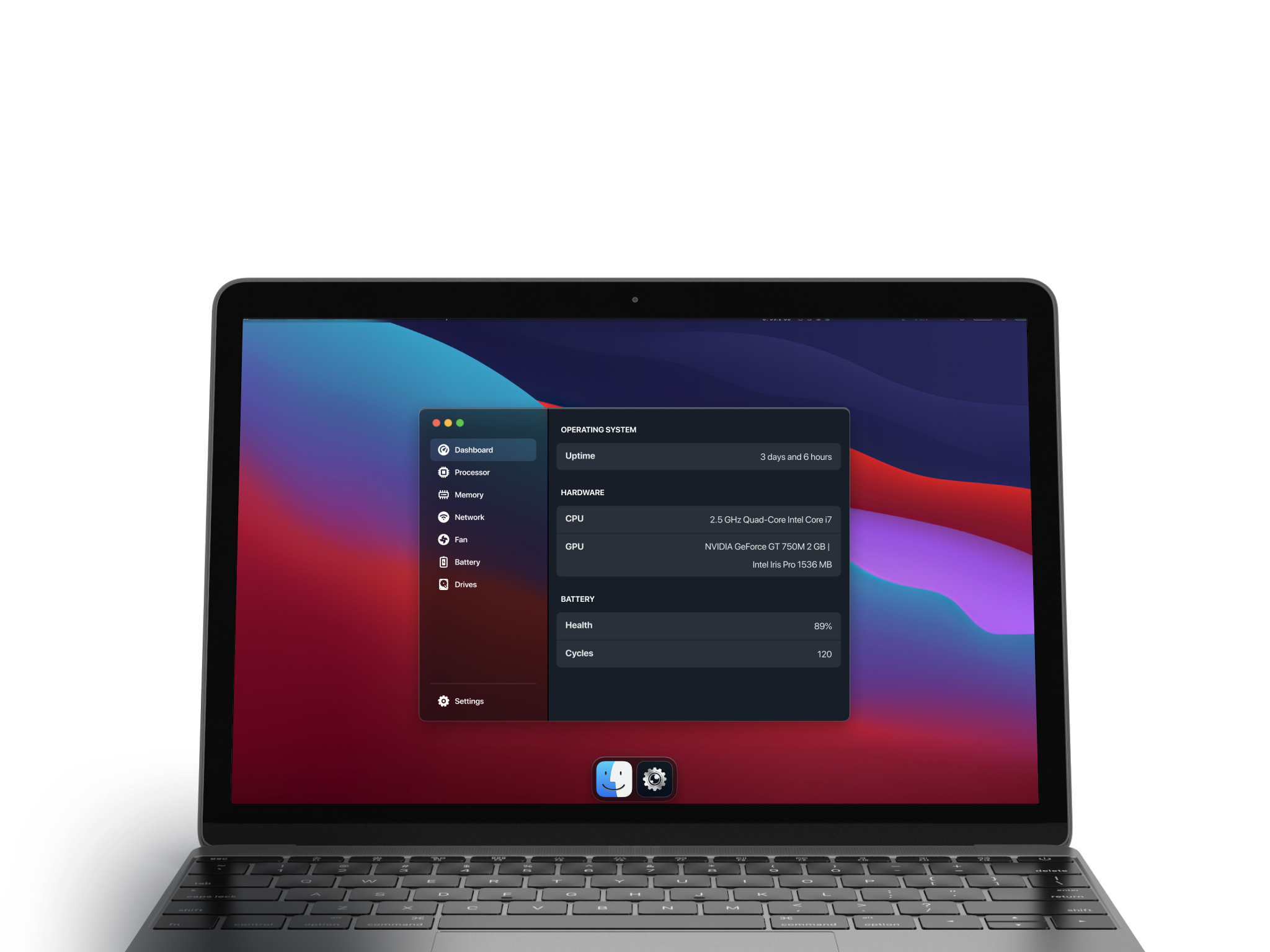
The new version
After submitting design options on the github repo we found a way to implement my suggestions. The app is simpler and more modern.
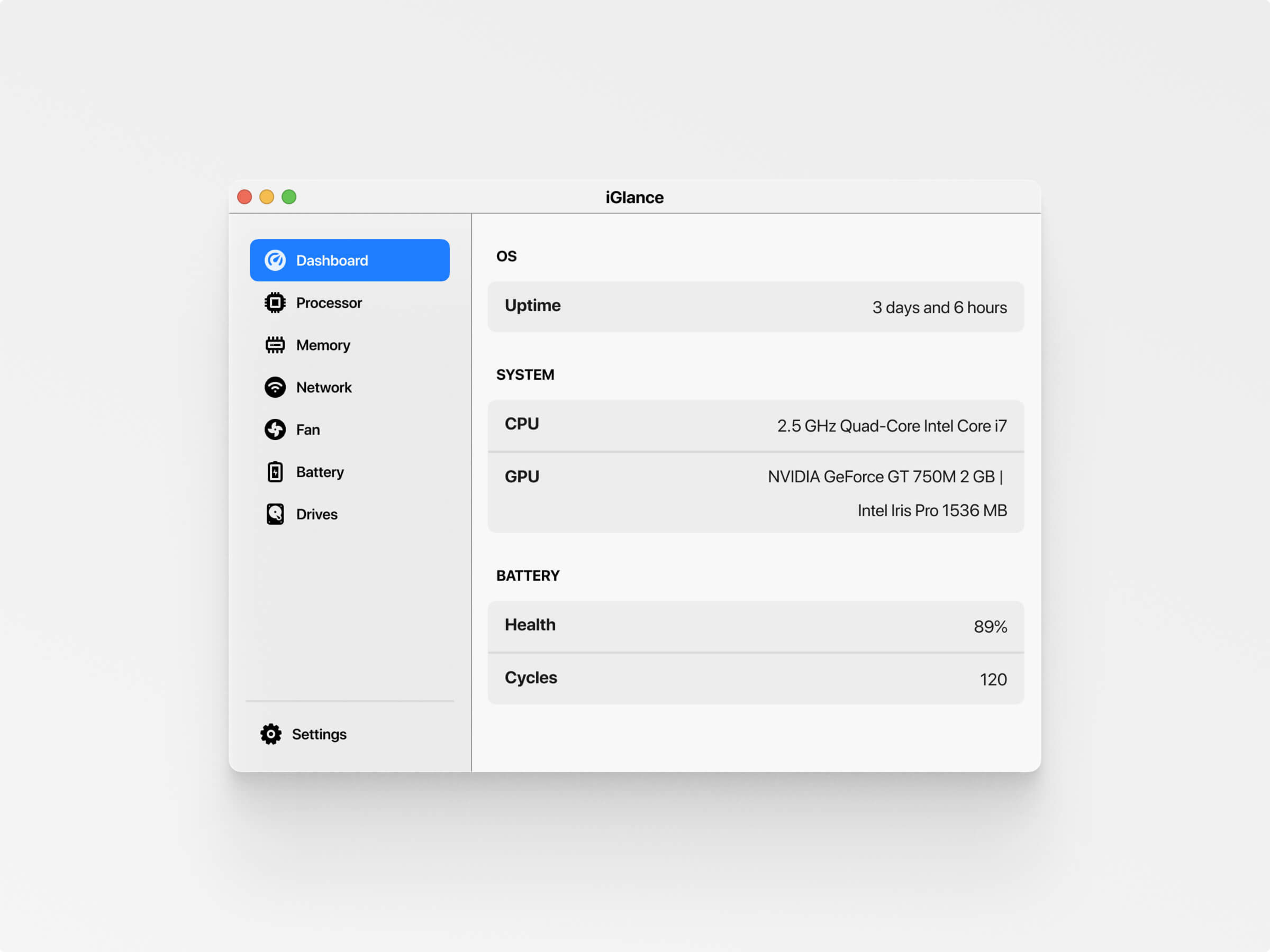
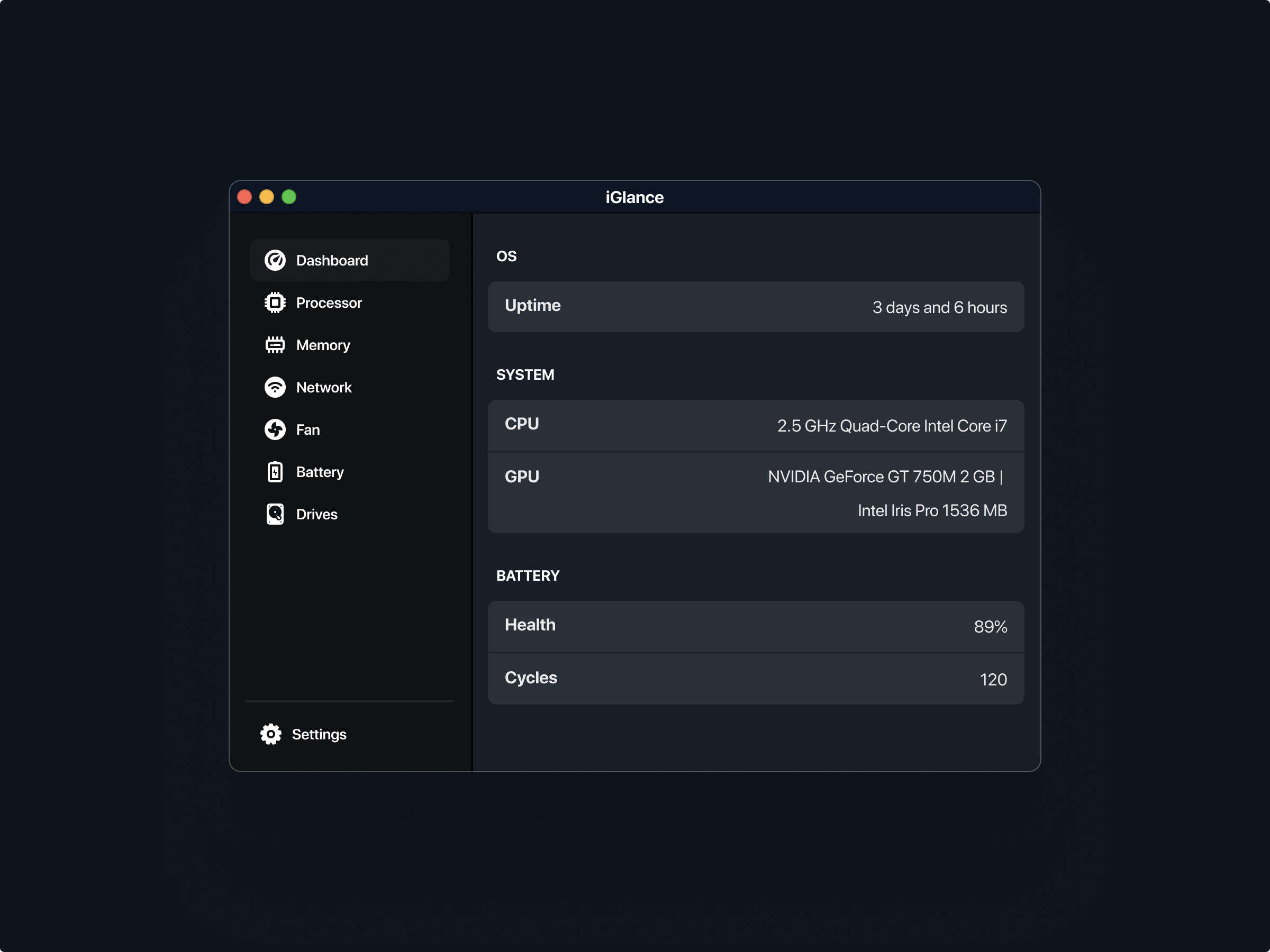
Redesigned assets
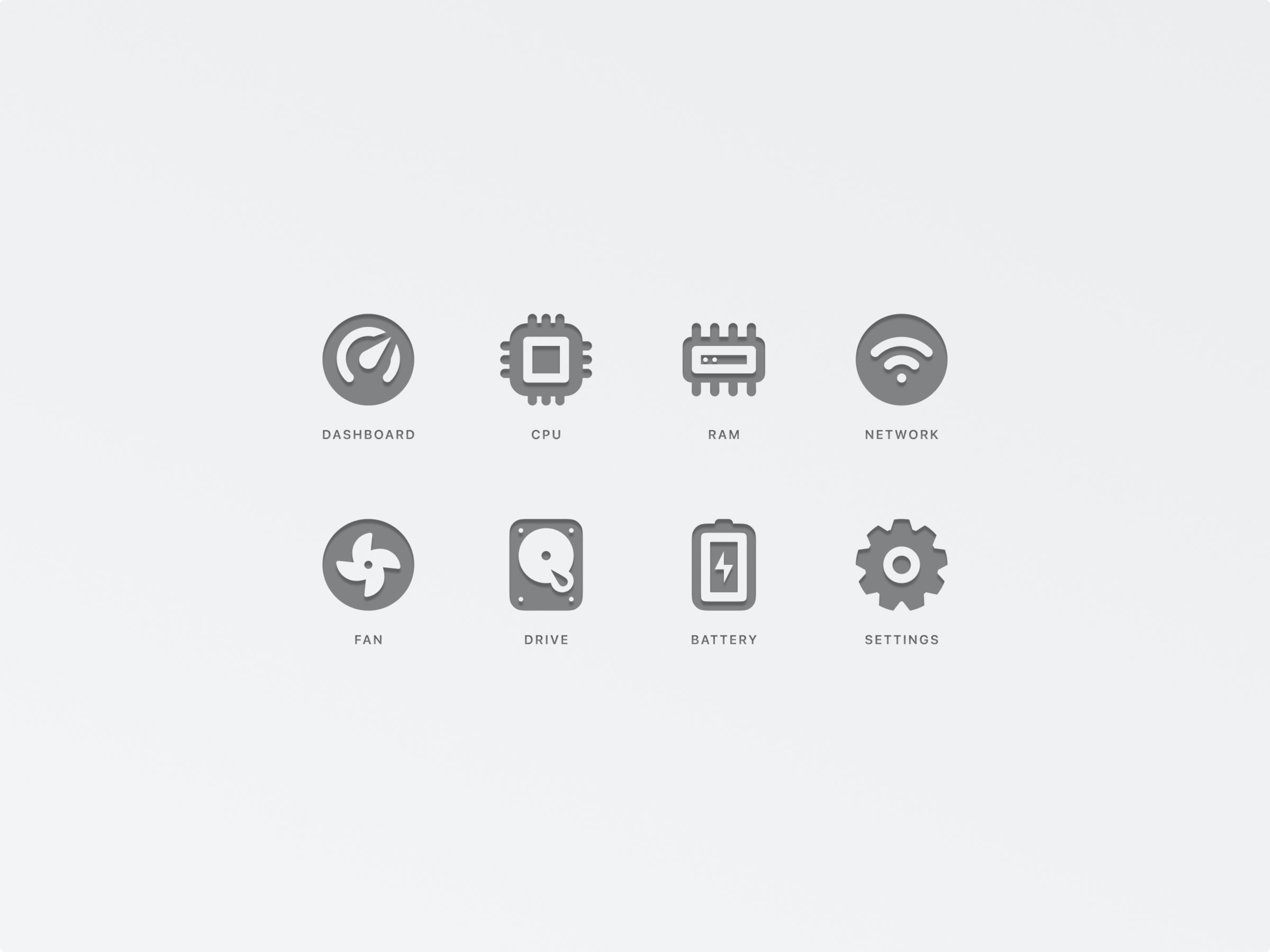
Iconography
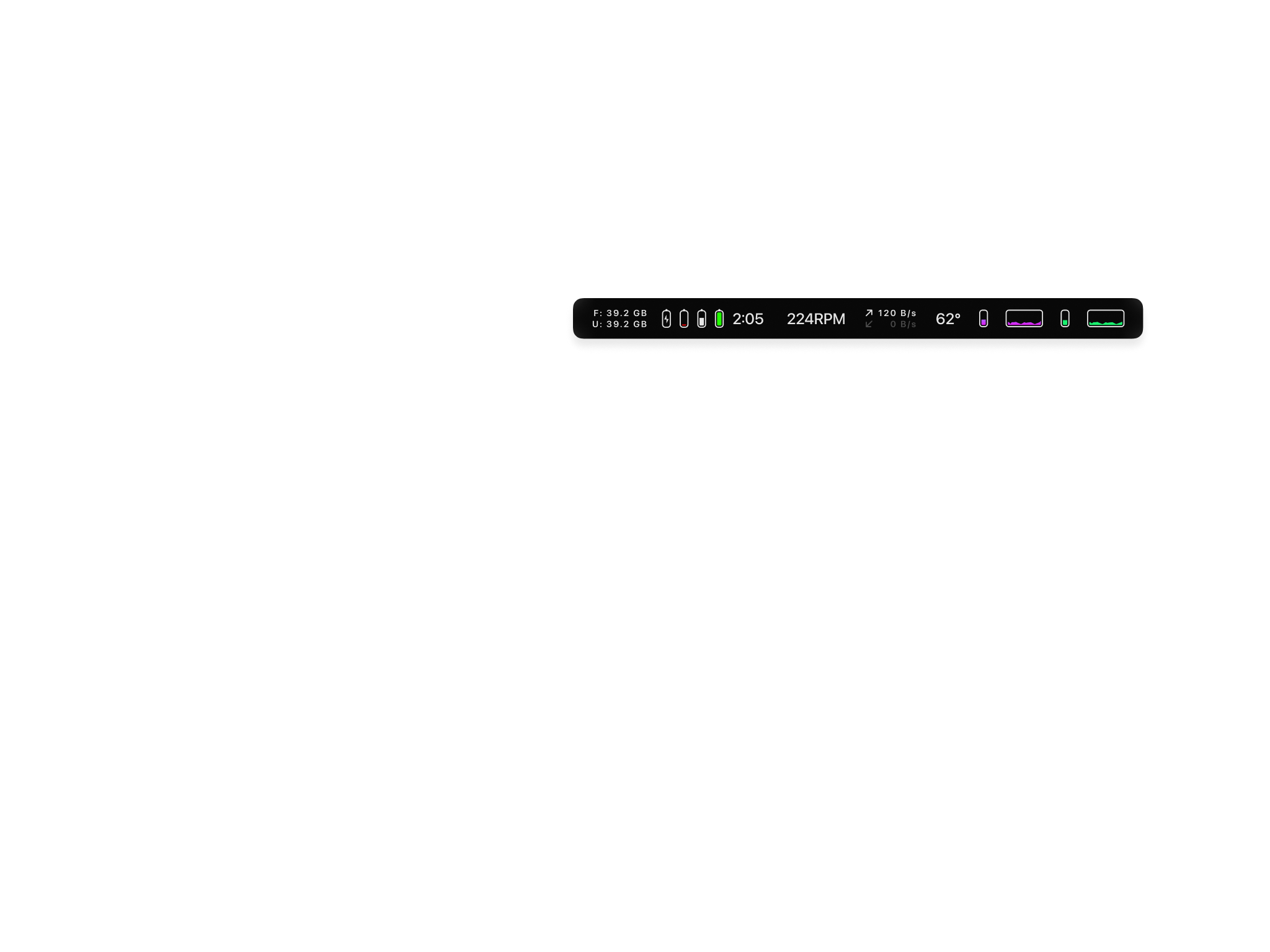
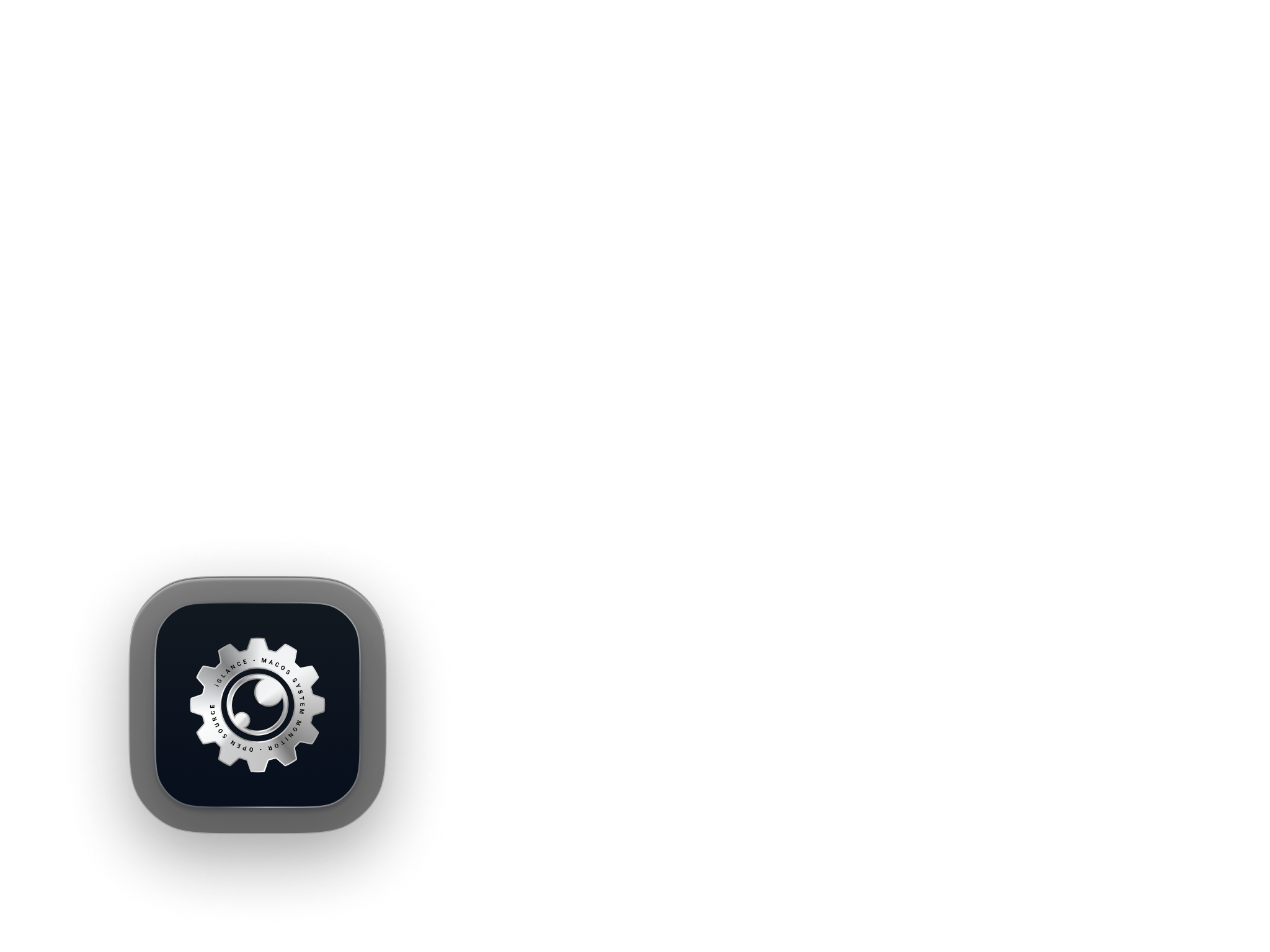
Starting by working on the UI elements was the piece of work I tackled. Knowing that refactoring software can be difficult I forked the repo and looked at the assets powering their UI. I then recreated a consistent set of Icons which I then shared back to the repo.
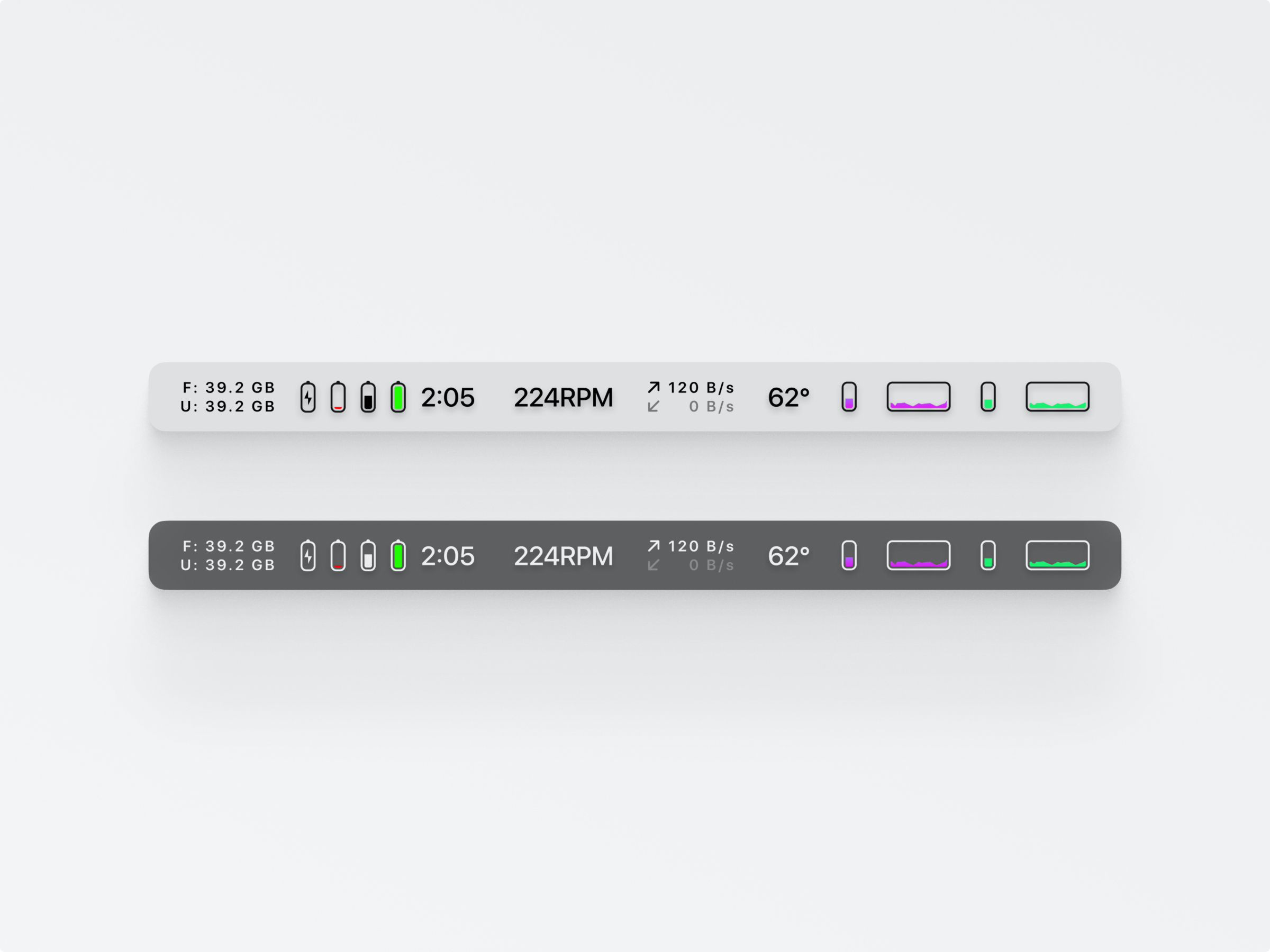
Menu bar icons
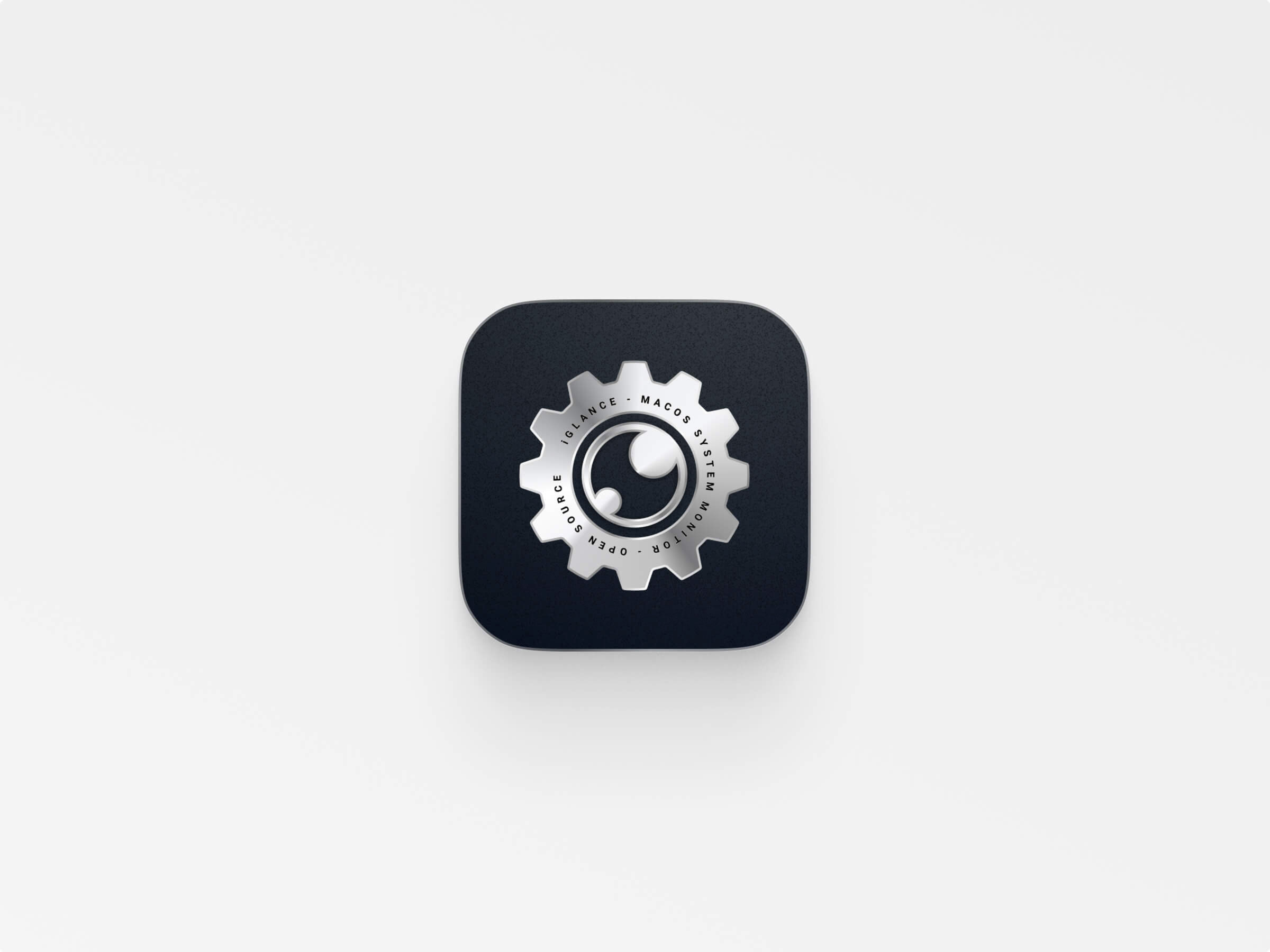
Dock Icon
Most of those UI improvements have now been released and added to the live software.
Learnings
Sometimes as designers it is good to expose ourselves. Provide unsolicited contribution. Help people do things and accept that they might not need your help. Most of the time, especially open source software, contributors are super happy to have choice and new ideas. So if you come across an open source project and think you can improve it. Do it…